


Nov. 5, 2026
Some of the backlash to data centers really revolves around the public perception of artificial intelligence (AI) companies and their motives. These technologies arrive as all-encompassing and designed to centralize information, authority, and power. The public — and planners — may fear what historian Lewis Mumford called the “megamachine” in his writings on society and technology. His warning: A society can come to serve its tools rather than the reverse, something author Douglas Adams captured in The Hitchhiker’s Guide to the Galaxy, when an alien surveying Earth mistakes the automobile for the planet’s dominant life form.
If planners want to engage with AI technology, one low-stakes exploratory approach is experimenting with open-weight language models — AI models that can be downloaded and run locally because their trained settings are publicly available. While these might not include the data or code used to train the models, it improves transparency. Beyond that, local use of open-weight models can have advantages such as enabling better data privacy to protect sensitive information, providing lower costs, and being more easily customized for planning use cases. To explore other AI and planning use cases, visit planning.org/foresight/ai.
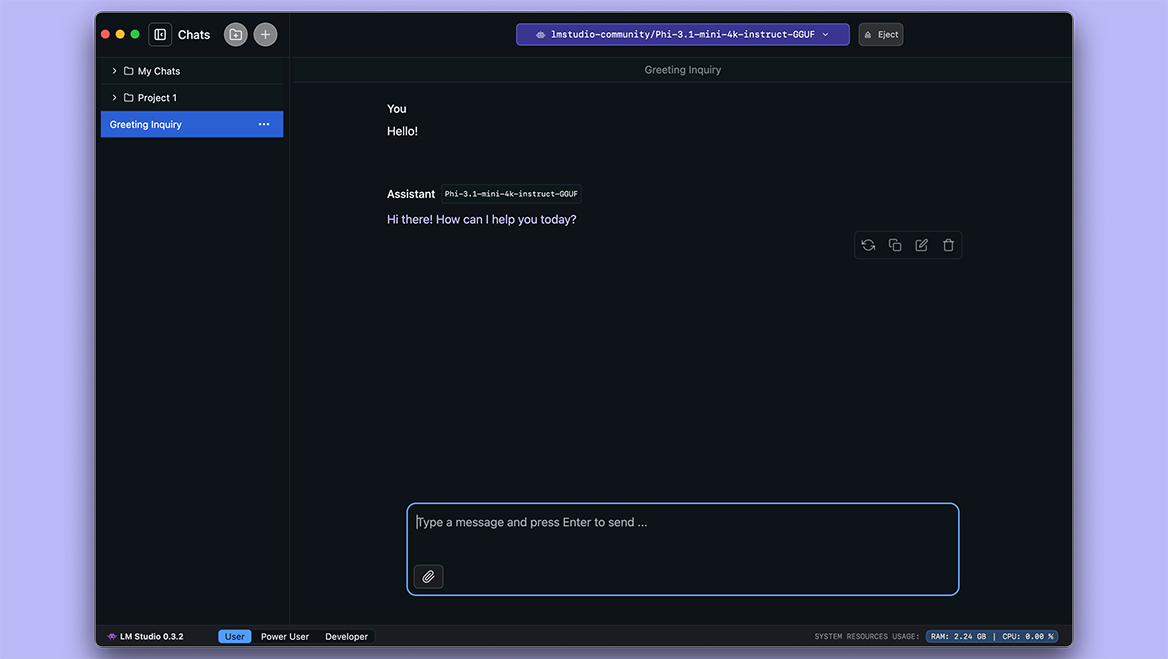
Image courtesy of LM Studio.
LM Studio
LM Studio is a desktop application that lets planners run and download open-weight large language models (LLMs) on their own machine using a trained model to generate outputs, a process called “inference.” It provides a point-and-click model browser, with no terminal required for basic use. While it is a proprietary app, many desktop features are free. Enterprise offerings include collaboration tools, single sign-on, and other advanced features. It offers one of the better interfaces for model inspection and download for users who want to experiment. Users with technical skills can create an API to run existing models and support advanced workflows.
Cost: Free to use; some paid options
Resource formats: Language model download and inference.
Coding skills required: No; API for advanced use.
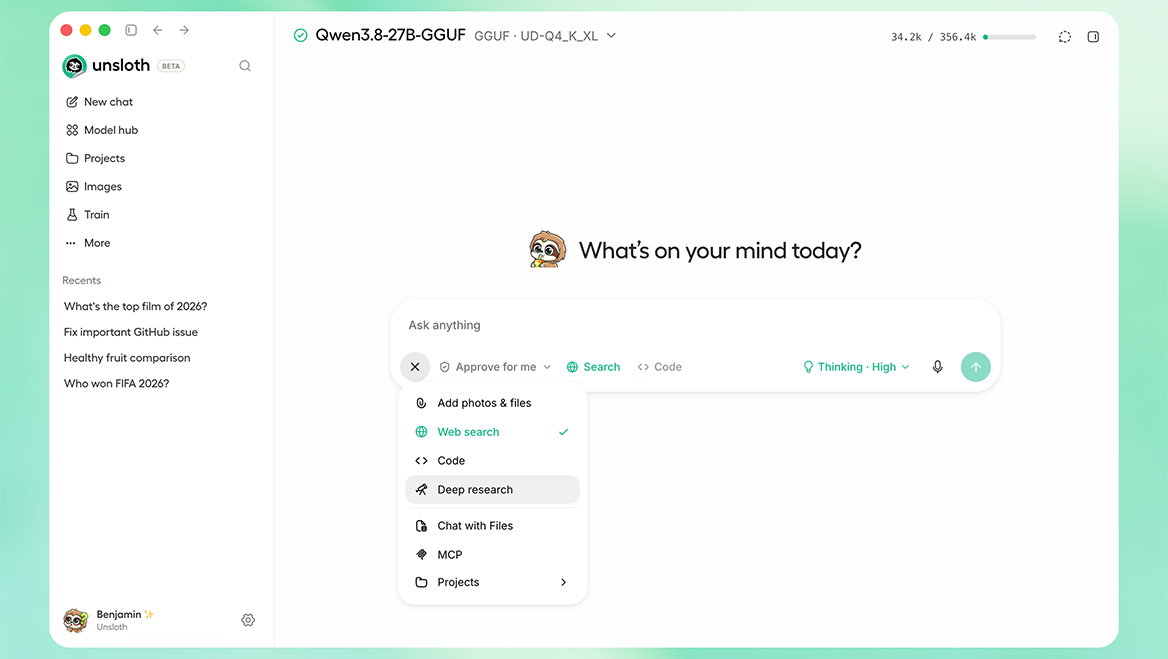
Image courtesy of Unsloth.
Unsloth
Unsloth provides an open-source minimalist application for model download and use, and it offers features similar to LM Studio. Unsloth provides a robust interface for interacting with a model, as well as advanced features like tools for fine-tuning existing models for more specific use cases. There are some paid features that include advanced hardware support, faster inference, cloud models, and more, but it lacks features IT departments might prefer, such as single sign-on and collaboration tools. More technical users can create an API to run existing models and support advanced workflows.
Cost: Free to use; some paid options
Resource formats: Language model download, training, and inference.
Coding skills required: No; API for advanced use.
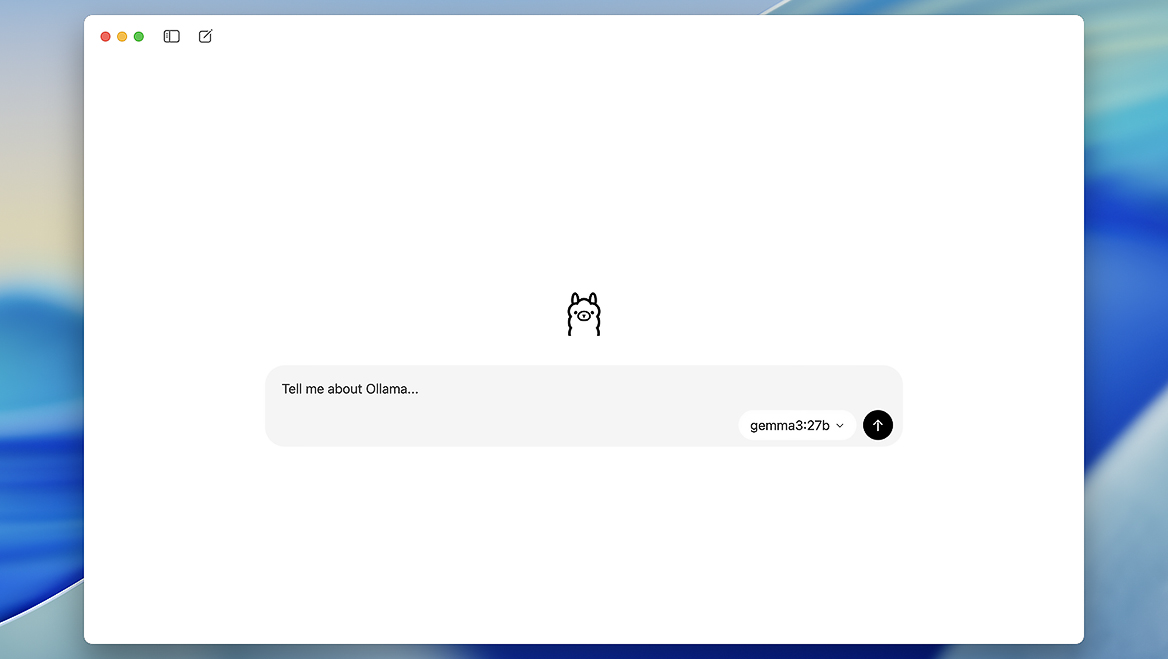
Image courtesy of Ollama.
Ollama
Ollama provides a lightweight open-source application for model download and use and provides basic functionality to run models on your own computer. It is a fairly minimalist user interface, providing only out-of-the-box functionality for downloading a small subset of models. More advanced uses may require typed commands, but Ollama offers several ways to work with language and vision-language models (which can respond to both text and images), including asking questions about images and documents, although answer quality will vary.
Cost: Free to use; some paid options
Resource formats: Language model download and inference.
Coding skills required: No; API for advanced use.
RECOMMENDED ARTICLES